Actions & Stuff Download for Minecraft Bedrock
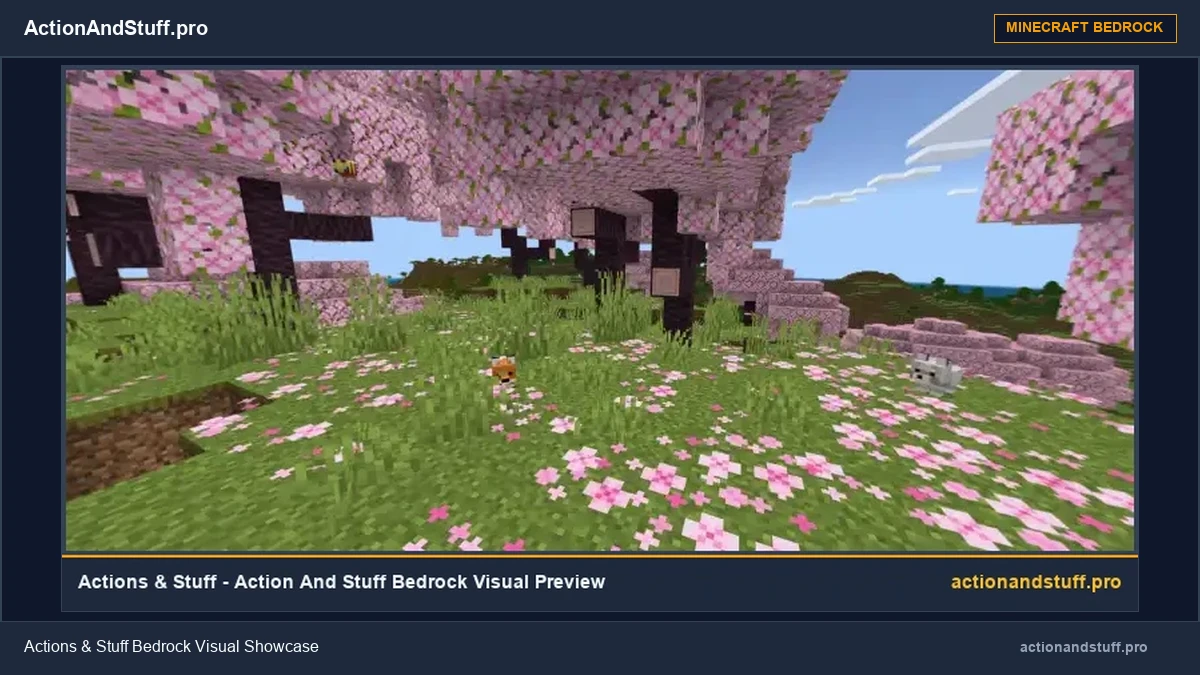
Actions & Stuff is an animation and visual overhaul for Minecraft Bedrock created by Oreville Studios. This page provides our archived v1.10 .mcpack, along with the installation, compatibility and version guidance needed to use it correctly.
The official product has continued to receive updates after v1.10, so this archive file should not be confused with the newest Marketplace release.
Before You Download
The file offered here is the historical Actions & Stuff v1.10 release. Oreville Studios has continued developing the pack, and its current documentation covers newer releases including 1.11.1. If you use a recent Minecraft Bedrock build, check version compatibility before assuming an archived file is the best match. See our old versions archive for other historical releases.
Actions & Stuff at a Glance
What Is Actions & Stuff?
Actions & Stuff is a visual overhaul for Minecraft Bedrock created by Oreville Studios. Mojang’s own feature on the pack describes it as a texture pack that adds player animations, mob animations, 3D item models, a broader texture overhaul and more.
Rather than creating a separate game, Actions & Stuff changes the way Minecraft looks and moves inside Bedrock. The result is a more animated presentation while Minecraft remains the game being played underneath it.
Oreville has continued expanding the pack across later releases, which is why features shown in current documentation may not all exist in an older archive such as v1.10.
For the complete feature breakdown, visit the Actions & Stuff features guide.
What Changes When Actions & Stuff Is Active?
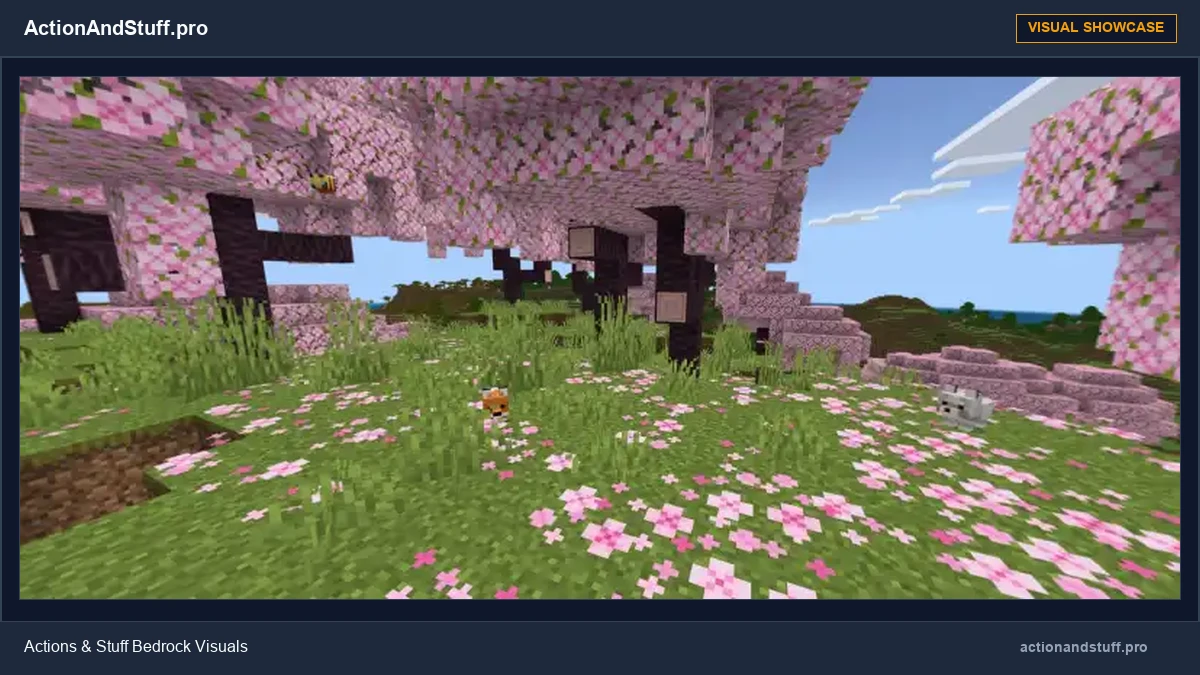
The pack affects several parts of Minecraft’s visual presentation at once. The exact feature set varies by Actions & Stuff release, but these are the major areas documented by Oreville Studios.
Player Animations
Actions & Stuff adds custom first-person and third-person animation work for player movement and actions. Later updates expanded this system with additional movement states and new actions.
Mob Animations
Minecraft creatures receive new and improved animation work, making movement and idle behavior more visually expressive than the normal Bedrock presentation.
3D Items & Armour
The pack includes 3D item models and custom armour presentation alongside its broader animation work.
Textures, Particles & Sounds
Actions & Stuff also changes textures and other visual details, with current documentation describing particles, sounds and additional presentation changes as part of the complete experience.
What Was Added in Actions & Stuff v1.10?
v1.10 was one of Oreville Studios’ major Actions & Stuff updates. Because this is the archived release available from this page, these are some of the features most relevant to the download offered here.
Tiny Takeover Support
v1.10 added support for the Tiny Takeover game drop and expanded the pack with new baby-mob content.
New Player Actions
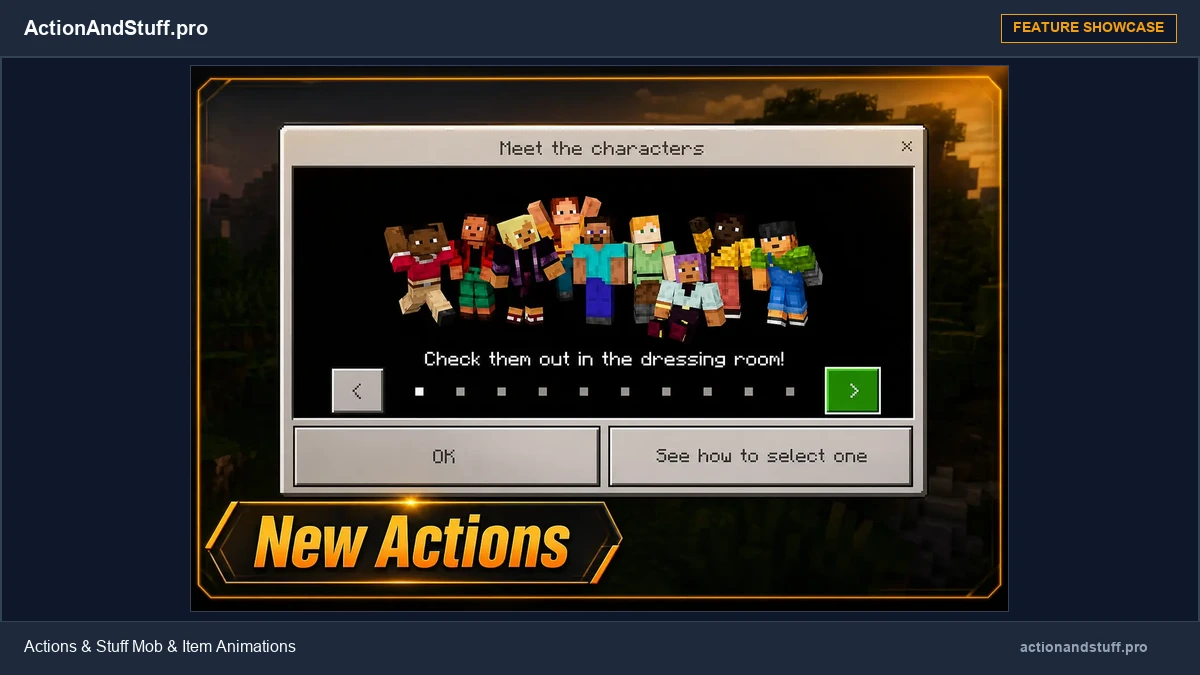
The release introduced actions including flipping, superhero-style landings, rolling and sitting.
Movement Updates
Directional swimming, Dolphin’s Grace animation work and broader player-movement changes were part of the update.
Playable Morph Characters
v1.10 introduced playable morph characters with custom visual and animation behavior.
3D Tool Options
The update added optional 3D models for tools and expanded existing 3D-item presentation.
More Visual Content
Cherry biome mob variants, themed boat visuals, nametags, costumes, skins and other additions were also documented for v1.10.
Current Marketplace Release vs This Archive

Current Marketplace Product
Best for players who want Oreville Studios’ current creator-published version.
At our September 2026 review, Oreville’s documentation has progressed to Actions & Stuff 1.11.1. Read our Actions & Stuff 1.11.1 Current Version Guide →.
Use Minecraft Marketplace for the current commercial product and current account-managed access.
Marketplace & Console Guide →Archived v1.10 MCPACK
Best for users who specifically need the historical v1.10 release supplied by this site.
The file remains the exact archived version you download; it does not automatically become the current Marketplace release.
Download v1.10 (.mcpack)Need more detail? See the full comparison: Marketplace vs File Download.
Choose Your Platform
Actions & Stuff is a Bedrock product, but the practical route differs depending on the device you use.
Android / MCPE
Open a compatible .mcpack with Minecraft Bedrock and activate the imported pack for the world where you want to use it.
iPhone & iPad
Use Safari or Files to open/share the .mcpack to Minecraft Bedrock, then activate the imported resource pack.
Windows PC
Use Minecraft for Windows / Bedrock Edition. The Bedrock .mcpack is not a Java Edition resource pack.
Xbox, PlayStation & Nintendo
Use Minecraft Marketplace as the normal console acquisition route.
Java Edition
Actions & Stuff is a Bedrock product. The archived .mcpack does not install natively in Java Edition.
Unsure About Compatibility?
Check your Minecraft Bedrock build and pack-version context before choosing an archived release.
How to Install the MCPACK
On Android, iPhone/iPad and Windows Bedrock, the basic process is to open the downloaded .mcpack with Minecraft and then activate the imported pack for the world where you want to use it.

Download the file
Use the v1.10 MCPACK button on this page to save the archived file.
Open it with Minecraft
Open or share the .mcpack with Minecraft Bedrock on your supported device.
Activate the resource pack
Edit the world where you want to use Actions & Stuff, open Resource Packs, and activate the imported pack.
Load the world
Start the world and confirm that the visual changes are active.
Full, Vanilla or Custom Experience?
Current Oreville documentation describes three Actions & Stuff texture-style choices. These control how the pack is presented rather than acting as simple “low, medium and high FPS” presets.
Full Experience
Uses the complete Actions & Stuff presentation, including its broader textures, animations, 3D items, armour, particles, sounds and other visual details.
Vanilla Experience
Keeps Actions & Stuff animations and 3D items while using a more familiar vanilla-style texture presentation.
Custom Experience
Designed for using Actions & Stuff animations and 3D content alongside another texture pack.
The exact selector shown inside older releases can differ, so follow the options actually available in the version you installed.
If Actions & Stuff Is Not Working
Do not start by reinstalling Minecraft. First identify where the process failed.
The file will not open
Check that the downloaded file is the actual .mcpack and open/share it with Minecraft Bedrock.
The pack imported but is not active
Open the target world’s Resource Packs and confirm Actions & Stuff is in the active list.
Visuals are missing or broken
Check the Minecraft/Actions & Stuff version combination and temporarily test without other visual packs.
The pack works but Minecraft is slow
Treat this as a performance issue rather than an installation failure and isolate the settings or pack combination causing the slowdown.
Frequently Asked Questions
Is Actions & Stuff an APK?
No. Actions & Stuff itself is Minecraft Bedrock content. The historical download provided on this page is a .mcpack, not an Android application package.
Is v1.10 the latest Actions & Stuff release?
No. v1.10 is a historical release. Oreville Studios has continued updating Actions & Stuff and its current documentation includes version 1.11.1 at our September 2026 review.
Does Actions & Stuff work on Java Edition?
Not natively. Actions & Stuff is made for Minecraft Bedrock, and the Bedrock .mcpack is not a Java resource-pack format.
Can I use Actions & Stuff on a Realm?
Bedrock Realms can use resource content configured for the Realm world. The Realm owner’s world configuration matters rather than only a player’s local resource-pack settings.
What should I do if the pack imports but does not appear?
First check Resource Packs for the world where you want to use it. Importing and activating are separate steps.
Sources & Independence
ActionAndStuff.pro is an independent information and archive site. It is not Oreville Studios, Mojang Studios, Microsoft or Minecraft Marketplace.
For changing product facts, our guides prioritize Oreville Studios documentation and official Minecraft/Microsoft information. Historical download pages are labelled by version so an older file is not presented as though it were the current creator-published release.
If a version, Marketplace requirement or platform policy changes, the relevant page should be reviewed before its fact-review date is updated.